
Smooth Layouts
Smooth layouts can be considered as design mockups.
Pictures and text in place. Still a little rough but with enough detail so see that lengths of text and alignments work.
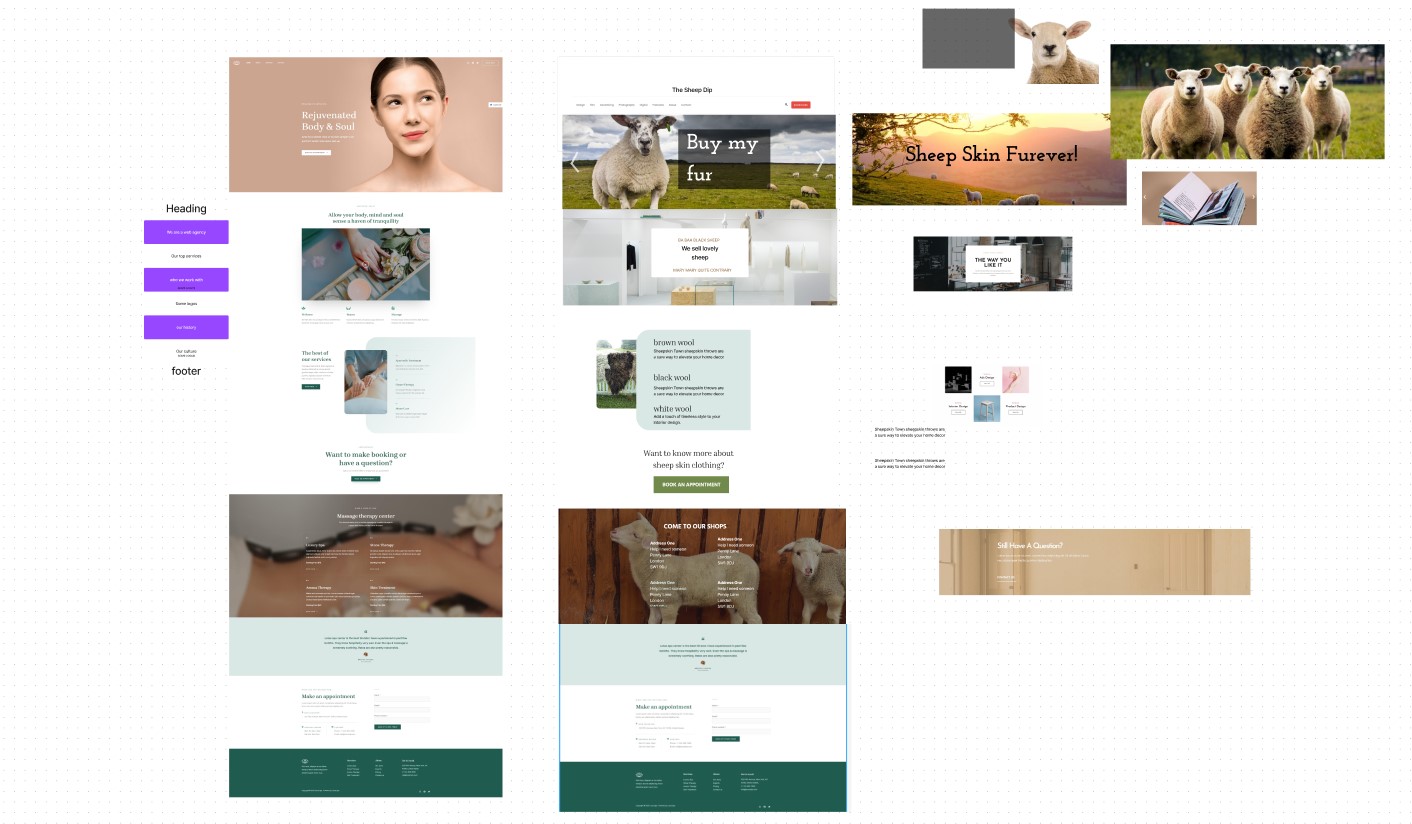
This is done in FigJam and we’re using more tools.
We’re trying to make sure the client and developer know what we want and we’re making sure buttons, heading and texts are fairly accurate.
The goal of a Smooth Layout
Smooth layouts ensure that there is a snug fit between the content, photos and layouts.
This would be needed for interesting layouts.
Different between quite rough and smooth
The difference is the usage of tools and goals. You may need to use gradients, rounded corners, more accurate fonts.
Your goal is to polish, rather than fill out the design and content.
Bring work from FigJam to Figma and back again
Work in Figma because you need the tools, but bring it back to the visual plan in FigJam, so that everyone sees the progression of ideas and no earlier ideas are lost.
Don't do design mockups unless it's needed
Design mockups come right at the end, and they are made only for complex content projects, where developers need accurate instructions about layouts
Smooth Layouts Example
Smooth layouts are needed for visual driven projects or projects with interesting layouts.

Here is are pages in FigMa, no totally complete but already ready for production, if client approves. There is no need for absolute completion or perfection.