
________________________________________________________________________________________________________________________________
________________________________________________________________________________________________________________________________
This is a Chrome extension that lets you check the heading structure of a web page.
This isn’t part of launch QA, but it is important for any website that relies on SEO.
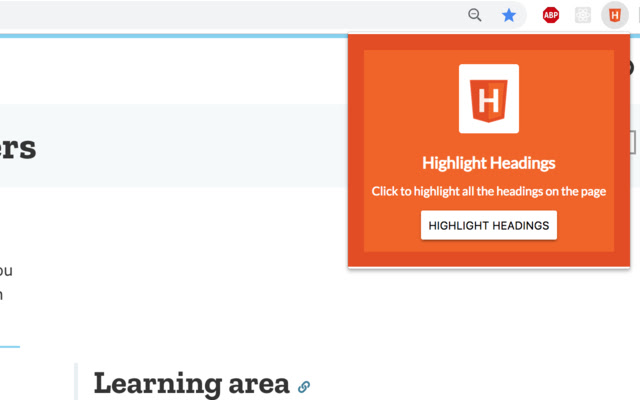
When you are on a page, click on the H icon in your Chrome extensions
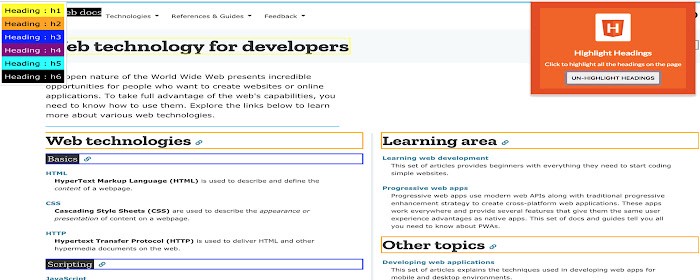
This tool scans the page, and it will highlight the headings.
Screaming from will scan all pages to search for missing heading structure.
Each page should have only one main heading called an H1, followed by one or more subheadings called H2s.
Within an H2, there can be some H3 headings that belong to the content of the H2 heading.
Read about Content Clarity